

Built on a powerful local AI stack
Core Features
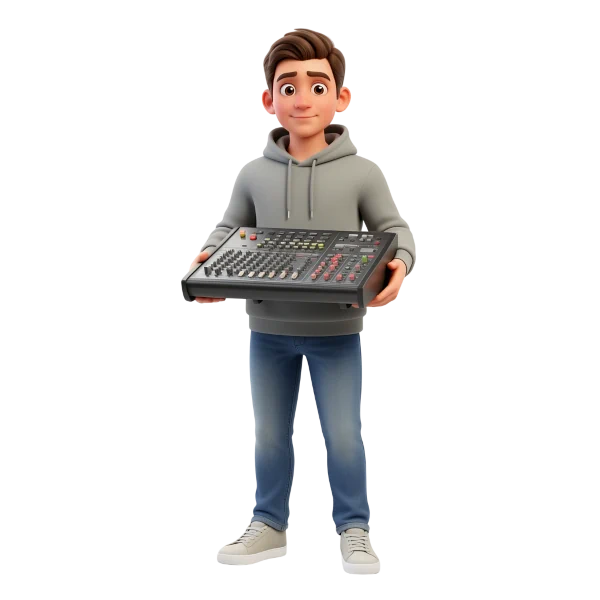
From raw Audio to high studio Quality Voice Output
Advanced models handle transcription, enhancement and generation in one seamless flow. Everything runs locally — fast, private and fully under your control.
Smart audio processing pipeline
Reference audio is automatically transcribed, cleaned and enhanced before voice generation. Whisper and DeepFilterNet ensure clarity, consistency and high quality input.
High quality voice generation engine
Qwen TTS models generate realistic voices with natural tone, pacing and emotion. Create new speech or clone voices with consistent results across every output.
Voice Designer
Build entirely new Voices without any Source Audio
Design voices from scratch using prompts, tone and style controls. No recordings required — just describe the voice you want to create.
Prompt-based voice creation
Describe tone, emotion, age or style and generate completely new voices instantly. From narration to characters — everything is created directly from text prompts.
Full control over voice style
Adjust pacing, clarity and expression to match your exact use case. Fine-tune voices in real time and hear the results immediately.
Voice Cloning
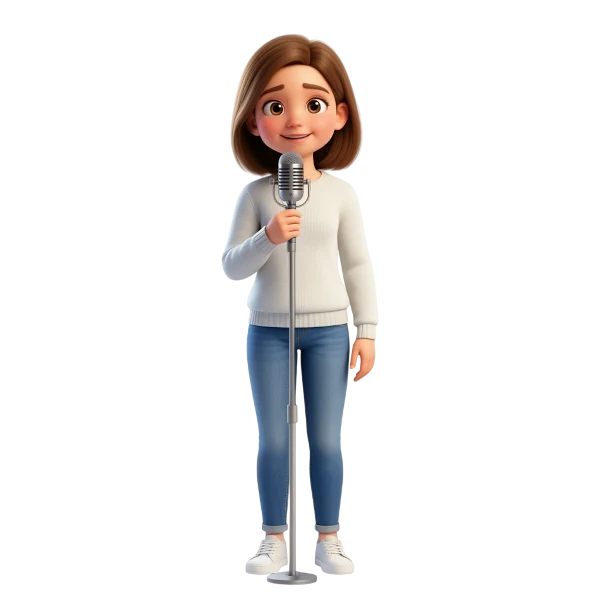
Turn a single Recording into a consistent reusable Voice
Use short reference audio to recreate voices with realistic tone and character. Generate new speech that stays consistent across every output and use case.
Clone voices from minimal input
Use just a few seconds of audio to capture tone, rhythm and vocal identity. Even low-quality recordings can be processed and turned into clean voice models.
Consistent voice across all content
Generate new speech that keeps the same voice, style and expression every time. Perfect for videos, narration, characters or multilingual voice production.
Use Cases
Build real voice Workflows for Creation, Games & Production
From content creation to character design and multilingual production — Vocal Engine adapts to real-world use cases without complexity.
AI Voice for Videos
Create narration, voiceovers and explainer content in minutes. Generate consistent, high-quality speech for YouTube, TikTok or courses.

Faceless Content Production
Build entire channels without recording your own voice. Design unique voices or clone styles for scalable content creation.

Storytelling & Scripts
Turn written content into engaging spoken stories instantly. Perfect for audiobooks, reels, shorts and narrative formats.

Character Voice Creation
Design unique voices for characters without hiring voice actors. Create distinct personalities with tone, style and emotion control.

Dynamic Dialogue Systems
Generate dialogue variations instantly for immersive gameplay. Adapt voices in real time for different scenes or interactions.

NPC Voice Scaling
Produce hundreds of voices for large game worlds efficiently. Keep consistency while scaling across characters and environments.

Multilingual Voice Output
Generate speech in multiple languages with consistent voice identity. Maintain tone and character across translations.

Video Voice Translation
Translate and recreate voiceovers while preserving the original style. Perfect for global content and international audiences.

Cultural Voice Adaptation
Adjust tone and delivery to match different regions and audiences. Create more natural and localized listening experiences.

Voice Cloning for Production
Reuse voice identities across multiple projects and formats. Ensure consistency in branding, narration or character voices.

Clean & Enhance Audio
Improve low-quality recordings using built-in enhancement tools. Remove noise, refine clarity and prepare audio for generation.

Rapid Voice Prototyping
Test voice styles quickly before final production. Iterate in seconds instead of recording sessions, refining tone and character with full control.

Frequently Asked Questions
Got questions? Here's everything you need to know about getting started, understand features and make the most of Vocal Engine.
If you can't find the answer you're looking for, please don't hesitate to contact me for support.
Vocal Engine is designed to produce highly natural and expressive speech with realistic tone, pacing, and emotion. By combining advanced TTS models with audio enhancement and processing, the output closely resembles real human voices. Results can vary depending on prompts or input quality, but in most cases the generated speech is suitable for production use across video, games, and narration.
No, high-quality input is not required. Even short or lower-quality recordings can be used as a reference for voice cloning. The built-in pipeline automatically transcribes, cleans, and enhances the audio before generating new speech. This allows you to extract usable voice characteristics from imperfect sources like YouTube clips or recordings.
Voice Designer allows you to create completely new voices from scratch using prompts, tone, and style controls — no audio input needed. Voice Cloning, on the other hand, uses reference audio to replicate an existing voice and generate new speech from it. Both systems work together, giving you full flexibility between creative design and accurate reproduction.
Yes, Vocal Engine gives you detailed control over how voices sound and behave. You can adjust tone, emotion, pacing, and clarity depending on your use case. Whether you need a calm narration, energetic delivery, or character-style voice, the system allows you to fine-tune outputs and iterate in real time until it fits your needs.
Download Vocal Engine
Free local AI voice creation for design, cloning and production.
Everything you need to create and control voices on your own machine:
- Realistic voice design from prompts
- Voice cloning from reference audio
- Fully local processing after setup
- No subscriptions or usage limits